How to Dispatch Multiple Trucks Without Losing Control
Dispatching multiple trucks is a workload-management problem, not simply a truck-count problem. One dispatcher may handle several predictable trucks with strong processes, while a smaller number of high-exception trucks can overwhelm the same person. The solution is standardization, visible priorities, shared records, backup, and a conservative capacity limit.

Standardize every truck profile
Before scaling, every truck should have the same core profile fields:
- carrier;
- truck / unit identifier;
- equipment;
- current location;
- driver;
- availability;
- operating preferences;
- commercial limits;
- approval contact;
- document workflow;
- escalation contact.
If the dispatcher has to remember special rules from private messages, the operation is already difficult to scale.
Start each shift with a status board
A useful board shows:
| Truck | Status | Next critical time | Open issue | Next action | Owner |
|---|---|---|---|---|---|
| 101 | Empty | Search by 09:00 | None | Build shortlist | Dispatcher |
| 102 | Loading | PU appt 08:30 | Delay | Update broker | Dispatcher |
| 103 | In transit | DEL 14:00 | None | Driver checkpoint | Driver / dispatcher |
The goal is not fancy software. It is one shared source of truth.
Use priority rules
When three things happen at once, choose by consequence.
A practical queue is:
- safety / fraud / identity problem;
- pickup or delivery failure;
- issue blocking an active load;
- required update on an active shipment;
- empty-truck search;
- future planning;
- administration.
The carrier can modify the rule, but everyone should know it.
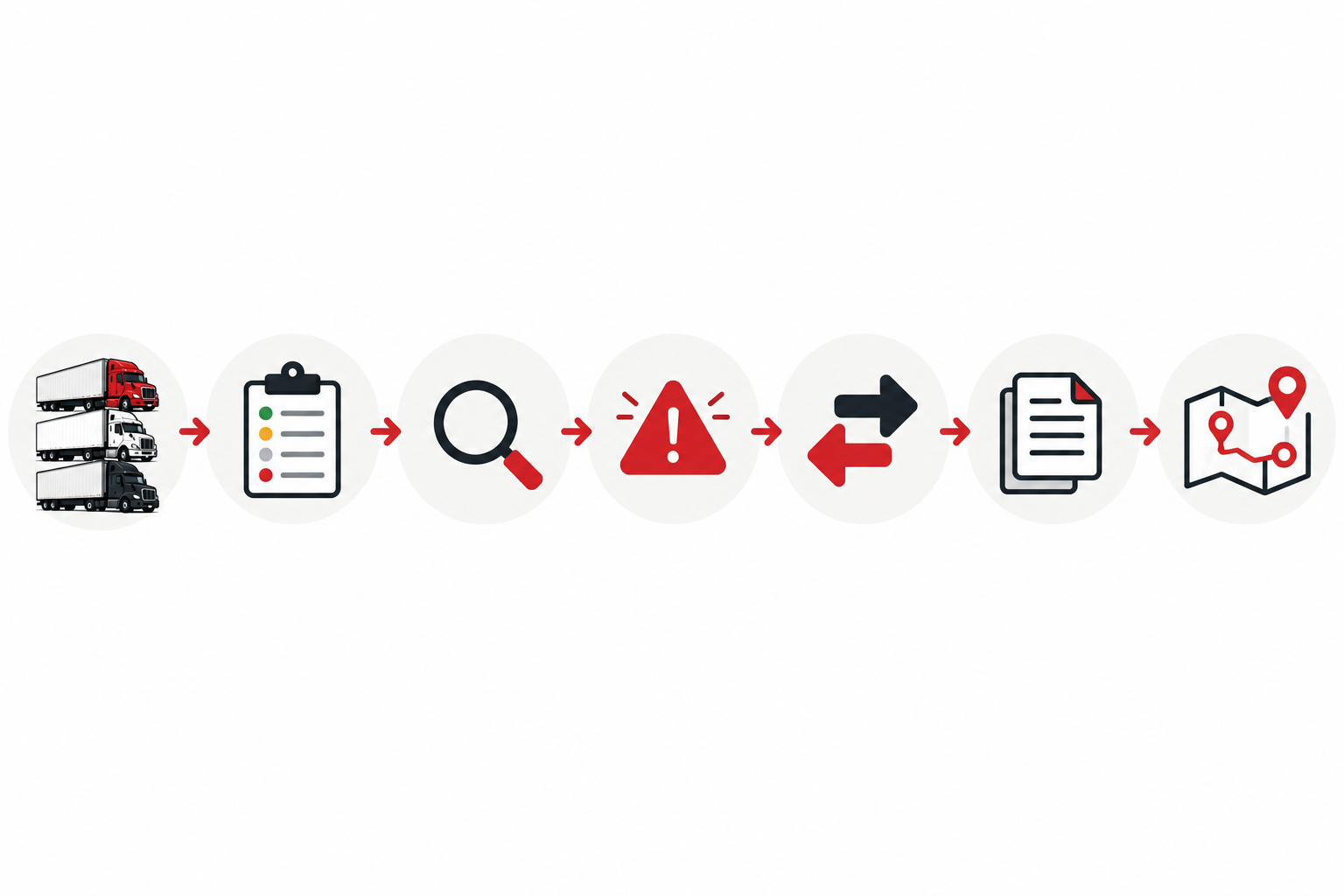
Create search windows instead of constant switching
Repeatedly switching between five trucks can make every search slow.
Group work when practical:
- refresh all empty-truck locations;
- identify hard constraints;
- run prioritized searches;
- shortlist;
- make calls;
- record outcomes;
- move to the next truck.
Active exceptions can interrupt the sequence, but a baseline routine reduces random work.
Separate an exception queue
Do not mix normal loads and problems in the same mental list.
An exception queue can contain:
- delayed pickup;
- missed appointment;
- document problem;
- changed rate or RC;
- broker identity concern;
- driver availability issue;
- facility problem.
Each exception needs an owner and next update time.
Do not use a universal “trucks per dispatcher” claim
The current Trucking Territory sales page includes a statement that a dispatcher can manage 7–9 trucks. That should not be treated as a universal workload standard.
Capacity depends on:
- equipment;
- lanes;
- driver experience;
- number of stops;
- appointment density;
- after-hours coverage;
- customer reporting;
- broker setup volume;
- exception frequency;
- software;
- team support.
Set a limit from measured workload.
Measure capacity before adding trucks
Track for several weeks:
- calls per truck;
- search time;
- active exceptions;
- late updates;
- missing documents;
- overtime;
- number of handoffs;
- unresolved issues at shift end.
If service quality declines, do not solve it by adding another truck.
Build backup before you need it
A multi-truck dispatcher who becomes unavailable can affect several shipments at once.
Define:
- backup person;
- shared access;
- password / permission process;
- handoff format;
- emergency contact;
- coverage hours.
Test the handoff using a simulated absence.
Standardize before automating
Teams often buy more software when workload becomes difficult. Automation can help, but it cannot repair inconsistent inputs. Before adding a new TMS workflow, define the truck profile, status values, exception categories, document names, and handoff fields that everyone will use.
Then automate repetitive steps such as reminders, status views, or report preparation where appropriate. Keep human review for decisions that depend on incomplete information, carrier approval, broker negotiation, safety escalation, or unusual shipment changes.
A clear manual process is the specification for useful automation.
Protect concentration time
Load search and broker calls require concentration. Where the operation allows it, use short focus blocks for normal search work while a visible exception process handles urgent interruptions. Constant notification switching can make every truck slower even when total truck count has not changed.
Frequently asked questions
How many trucks can one dispatcher handle?
There is no universal safe number. Measure workload and complexity in the actual operation.
What is the first tool I need?
A reliable shared status record. It can be a TMS, dispatch system, spreadsheet, or another approved tool depending on the carrier.
When should I hire another dispatcher?
Look for declining service quality, excessive hours, unresolved exceptions, repeated late updates, and fragile backup coverage rather than only truck count.
Scale the control system first
Use the daily workflow, handoff checklist, and dispatcher KPI guide before expanding workload.
Sources and further reference
Worked scenarios, comparisons, and checklists in this article are educational examples or editorial recommendations. They are not promises of employment, rates, revenue, or profit.
