Truck Dispatcher Work From Home: What the Job Requires
Working from home as a truck dispatcher means performing a time-sensitive operations job from a home office. It does not mean working whenever convenient. Before taking a remote role or client, define coverage hours, communication standards, access permissions, and what happens when you are unavailable.

Start with coverage, not equipment shopping
Write down the operation you will support. Which time zones contain the carrier's trucks and common appointment locations? Who handles the opening shift? Who responds to a late delivery? Does the role include weekends, or is there an explicit handoff?
Then compare those needs with your actual availability. Being online for part of the day is not equivalent to covering a shipment from pickup through its next agreed checkpoint. Never advertise continuous availability when the service depends on one person who has no backup.
If you work from another country, separate the operational question from business, tax, work-authorization, and data-access questions. Those depend on the actual arrangement and jurisdictions. “Remote” is not a universal exemption from local requirements.
Build a workspace around reliability
Your first goal is a stable, quiet place to communicate accurately. A headset, readable screen, reliable connection, and organized workspace matter more than an impressive-looking desk. Test whether you can read documents and take notes while speaking without losing details.
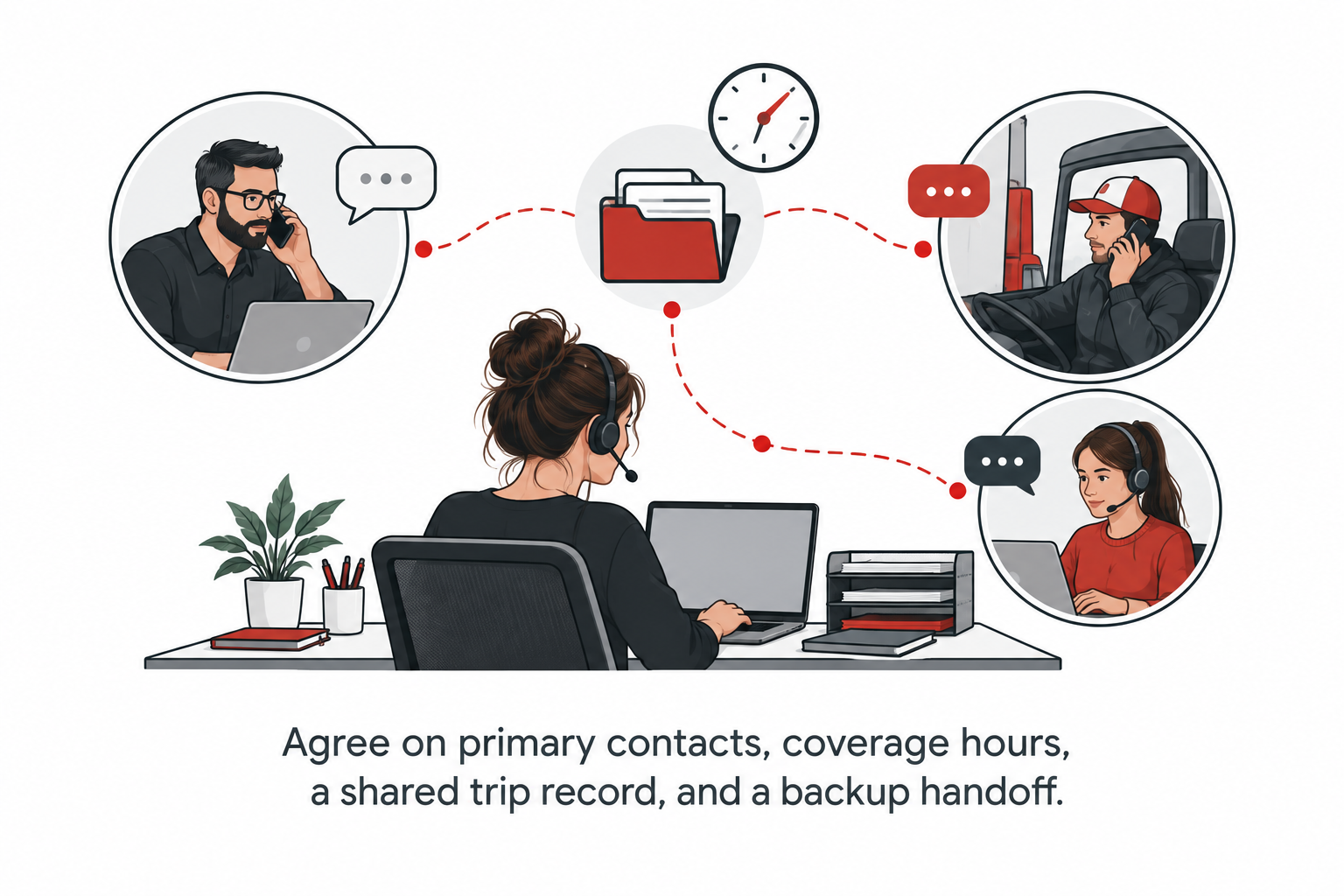
Set up a primary communication channel and a documented backup. Test the backup before promising coverage. If your internet connection fails during a time-sensitive issue, the team should know who receives the handoff and where the current shipment record can be found.
| Function | Minimum working decision |
|---|---|
| Calls and messages | Which business channel is monitored during coverage? |
| Load records | Where is the current trip summary stored? |
| Documents | Who can access, edit, and approve them? |
| Availability | Who knows when you are unavailable? |
| Backup | Who takes over after a connection or power failure? |
Use authorized accounts and limited access
Ask the carrier or employer to provision access for your actual role. Do not exchange shared passwords in a chat or use someone else's identity to obtain a subscription. DAT's guide describes dispatcher access through a carrier account and a purchased seat; verify the current terms directly before purchasing access.
For your internal process, separate work and personal accounts, enable multi-factor authentication where available, and keep a written access list. When a relationship ends, remove permissions and transfer records through an agreed process. A former client should not remain mixed into your next client's folders.
Make communication predictable
Agree on a status-update format that contains the shipment reference, current event, operational impact, action owner, and next update. This makes remote work easier to supervise because the process is visible rather than dependent on constant calls.
A fictional update might read: “Training load TT-104: loading is delayed. The driver has checked in. The carrier is reviewing the delivery impact. I will provide the next update at the agreed checkpoint.” Replace vague reassurance with verified facts, and do not invent an estimated departure just to fill a field.
Protect the boundary between speed and safety
A home-based dispatcher can feel pressure to solve every problem through faster driving or a more aggressive arrival estimate. That is the wrong escalation path. FMCSA's coercion guidance addresses pressure to violate safety rules. Your operating procedure should make it easy to escalate a schedule that no longer works rather than pressure the driver to rescue it.
Use the carrier's safety contact and the driver-reported situation when revising a trip. A remote screen does not give you complete knowledge of road conditions, fatigue, equipment condition, or remaining legal availability.
Run a home-office rehearsal
Before accepting a live assignment, simulate a work block. Review a fictional truck profile, make a practice call, update the trip record, process a changed appointment, and hand the record to another person.
Ask that person to continue without asking you to explain missing details. If the handoff fails, improve the record rather than blaming the reader. Repeat the exercise with a simulated internet outage to test your backup process.
Frequently asked questions
Can I dispatch while doing another full-time job?
Only accept an arrangement whose coverage and response requirements you can actually meet. Overlapping obligations can leave a live shipment without a responsible contact.
Is remote dispatching passive income?
No. The workflow involves active communication, decisions, updates, and recordkeeping. Treat it as an operating responsibility, not an unattended income stream.
Should a beginner start remotely or in an office?
Focus on supervision, feedback, role clarity, and working conditions rather than location alone. A well-supported learning environment is more useful than a promise that the work is easy because it is remote.
Build the process before selling the location
Use the daily dispatch workflow to design your home-office routine. Explore Trucking Territory's training to identify the operational tasks you need to practice before taking responsibility for a truck.
Sources and further reference
Worked scenarios and checklists in this article are educational examples or editorial recommendations, not promised business results.
